Two evaluations on stock footage: quality-target encoding on four complete clips, and a five-second screening of codecs and preprocessing. Use them to decide what to test on your own content.
44–61% less video data at a stated quality target.
On four complete clips, hls.ai searched for the smallest HEVC encode that still met a quality target: mean VMAF of 95 or higher, with the 5th-percentile frame at 92 or higher. Against an H.264 medium CRF 20 baseline, total video data fell 57.9%, from 78.4 MB to 33.0 MB. Against HEVC at a fixed setting, the reduction was 40–59%.
Your content, your current encodes, and your quality bar will give different numbers. A trial measures them.
H.264 baseline on the left; quality-target HEVC on the right. Previews show up to the first eight seconds, resized and re-encoded to H.264, so they cannot show fine detail. A trial compares full-quality outputs on your own footage.
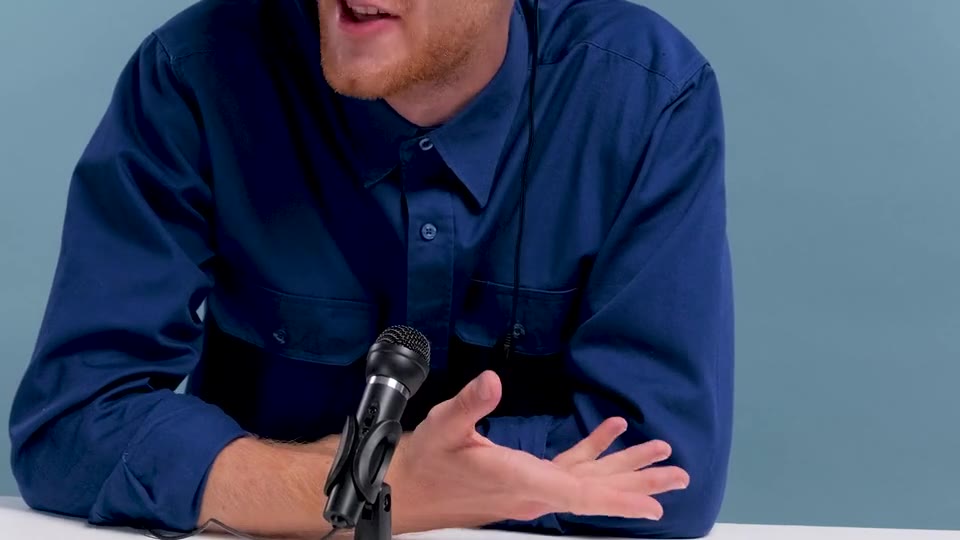
Studio talk
BASELINE · H.264QUALITY TARGET · HEVC
Baseline video data
10.096 MB
Quality-target video data
4.218 MB
Measured data reduction
58.2%
Video data avoided per play
5.877 MB
Baseline: H.264 medium CRF 20 · Quality target: HEVC slow CRF 24, selected automatically. Mean VMAF: 95.88 → 95.56. 5th-percentile frame: 94.10 → 93.79. Measured on the complete 18.5-second clip; the preview shows the first 8 seconds.
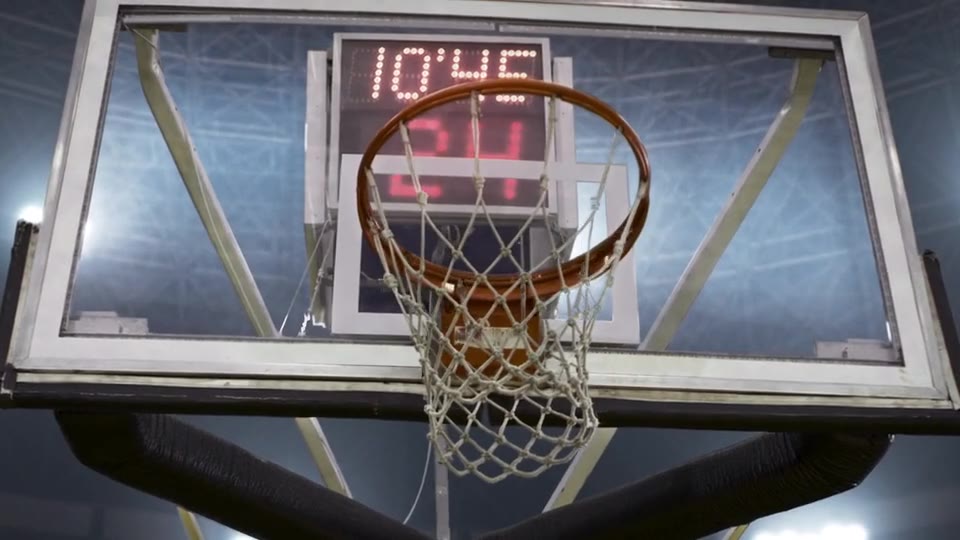
Basketball
BASELINE · H.264QUALITY TARGET · HEVC
Baseline video data
25.089 MB
Quality-target video data
10.457 MB
Measured data reduction
58.3%
Video data avoided per play
14.632 MB
Baseline: H.264 medium CRF 20 · Quality target: HEVC slow CRF 26, selected automatically. Mean VMAF: 97.44 → 95.15. 5th-percentile frame: 95.12 → 92.85. Measured on the complete 26.4-second clip; the preview shows the first 8 seconds.
Sword action
BASELINE · H.264QUALITY TARGET · HEVC
Baseline video data
9.060 MB
Quality-target video data
5.112 MB
Measured data reduction
43.6%
Video data avoided per play
3.948 MB
Baseline: H.264 medium CRF 20 · Quality target: HEVC slow CRF 24, selected automatically. Mean VMAF: 97.36 → 96.09. 5th-percentile frame: 93.95 → 92.36. Measured on the complete 5.6-second clip.
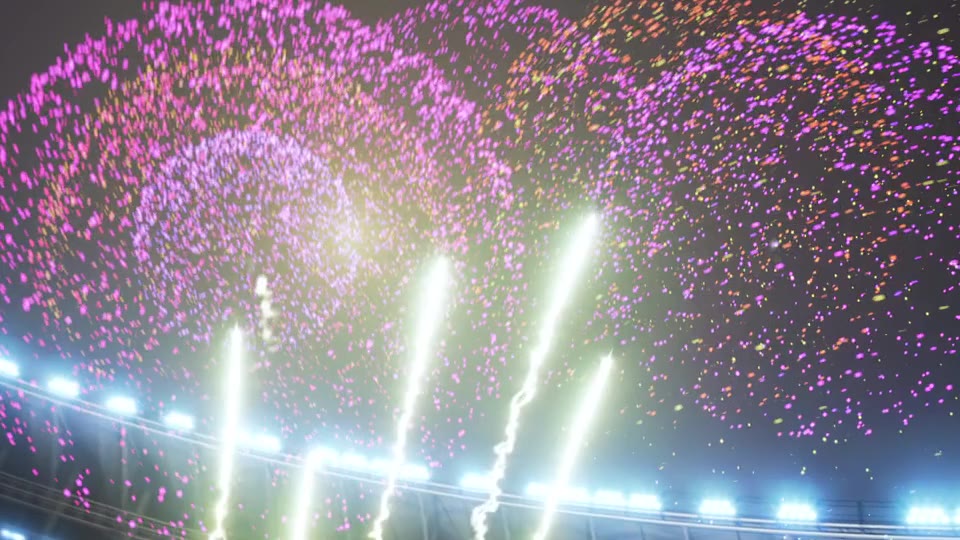
Fireworks
BASELINE · H.264QUALITY TARGET · HEVC
Baseline video data
34.154 MB
Quality-target video data
13.198 MB
Measured data reduction
61.4%
Video data avoided per play
20.956 MB
Baseline: H.264 medium CRF 20 · Quality target: HEVC slow CRF 28, selected automatically. Mean VMAF: 99.87 → 97.39. 5th-percentile frame: 99.68 → 92.14. Measured on the complete 13.8-second clip; the preview shows the first 8 seconds.
Inspect the hardest moments at full resolution
For each clip, the three seconds where the quality-target encode scored lowest, cropped at native pixels from the real encodes. Drag the divider: the H.264 baseline is on its left, quality-target HEVC on its right. Pause and step frame by frame. For browser playback the crops are re-encoded once to high-quality H.264, so treat the finest grain with care. In an evaluation you inspect the original files, on your own content.
Studio talk
H.264 BASELINEQUALITY-TARGET HEVC
Seconds 4.9–7.9 of the clip, a 960 × 540 crop at native pixels from a 1920 × 1080 frame. Mean VMAF over these three seconds: 94.79. Lowest frame: 92.88; the viewer opens on it.
Basketball
H.264 BASELINEQUALITY-TARGET HEVC
Seconds 23.4–26.4 of the clip, a 960 × 540 crop at native pixels from a 2048 × 1080 frame. Mean VMAF over these three seconds: 93.89. Lowest frame: 92.13; the viewer opens on it.
Sword action
H.264 BASELINEQUALITY-TARGET HEVC
Seconds 2.6–5.6 of the clip, a 960 × 540 crop at native pixels from a 1920 × 1080 frame. Mean VMAF over these three seconds: 95.64. Lowest frame: 90.58; the viewer opens on it.
Fireworks
H.264 BASELINEQUALITY-TARGET HEVC
Seconds 1.4–4.4 of the clip, a 960 × 540 crop at native pixels from a 2048 × 1080 frame. Mean VMAF over these three seconds: 95.23. Lowest frame: 91.02; the viewer opens on it.
Same codec: fixed-setting HEVC against quality-target HEVC
Same source, encoder, and preset (x265 slow, 60-frame lookahead); only the CRF differs. This isolates the effect of choosing the setting per title from the codec switch. It is still not an equal-quality comparison, because the fixed setting scores well above the target.
Fixed-setting HEVC against quality-target HEVC
Clip
Fixed HEVC · CRF 20
Quality-target HEVC
Video data change
Mean VMAF
Studio talk
8.049 MB
4.218 MB
47.6% less
97.19 → 95.56
Basketball *
17.040 MB
7.961 MB
53.3% less
98.74 → 95.08
Sword action
8.505 MB
5.112 MB
39.9% less
98.48 → 96.09
Fireworks
31.832 MB
13.198 MB
58.5% less
99.87 → 97.39
All four clips
65.427 MB
30.488 MB
53.4% less
—
* Basketball figures cover the four 5-second samples used in the search (20 of 26.4 seconds). The other clips are complete.
What this result is, and is not
Not an equal-quality comparison. The quality-target encodes score 0.3 to 2.5 VMAF points below the baseline. They were built to meet the target, not to match the baseline.
Three effects are combined: switching from H.264 to HEVC, a slower encoder preset, and stopping at the quality target instead of exceeding it. HEVC needs compatible playback devices.
Standard encoder controls. The encodes use x265. hls.ai selects the setting for each title and verifies the result; this is not proprietary compression.
The floor is not a hard minimum. It bounds the 5th-percentile frame. The lowest single frame scored 89.3 in the fireworks clip.
VMAF is an automated estimate. It does not replace visual review on your content and devices.
Top rendition. These results are for the top rendition at native resolution.
Sampling. A long title is searched on short samples rather than re-encoded in full. Here that applied to one 26-second clip. Compute cost per title-hour is measured on your content.
Four stock clips. The setting search took 62–229 seconds per clip on one local machine, using five or six trial encodes.
Quality-target settings and measurement
Complete clips (5.6–26.4 seconds), native resolution and frame rate, 8-bit yuv420p. Audio excluded. Video packet bytes; MB uses decimal units.
Baseline: libx264 medium CRF 20. Quality target: libx265 slow with 60-frame lookahead, CRF chosen by binary search over CRF 16–34.
Target: mean VMAF ≥ 95 and 5th-percentile frame VMAF ≥ 92, default libvmaf model. The basketball clip was searched on four 5-second samples and then verified on the complete output; the other clips were searched whole.
Both outputs are scored against the source, aligned by frame number.
The mean target set the result for studio talk and basketball; the frame floor set it for sword action and fireworks.
The first five seconds of three motion-heavy clips, tested at native resolution and 25 FPS. Slower H.264 settings and switching to HEVC or AV1 were more effective than the experimental motion-aligned denoiser. HEVC/AV1 percentages describe codec-switch gains, not additional savings delivered by hls.ai preprocessing.
Screening footage: H.264 and AV1
First five seconds of each clip. H.264 baseline on the left; AV1 CRF 22 on the right. These previews are resized and re-encoded to H.264 for comparison. Download the original encoded outputs to inspect fine detail. AV1 downloads require a compatible player.
These show codec switching, not additional hls.ai preprocessing gains. The table uses same-VMAF estimates; each video label reports the actual displayed output.
Basketball
BASELINEPROCESSED
Baseline video data
4.947 MB
Processed video data
3.001 MB
Measured data reduction
39.3%
Video data avoided per play
1.946 MB
Baseline: H.264 medium CRF 20 · Processed: AV1 CRF 22. Reduction comes from codec switching, not additional hls.ai preprocessing. VMAF: 96.89 → 96.90.
Relative to H.264 medium CRF 20 for each clip. Estimates interpolate log video bytes between measured quality points. These are not BD-rate values. Matching VMAF does not establish equal perceived quality; visual assessment is still needed.
Native-resolution comparison
Clip
Baseline VMAF
Slower H.264
HEVC
AV1
Motion-aligned denoising
Basketball 2048 × 1080
96.89
5.4% less
21.3% less
39.5% less
Baseline quality not reached
Sword action 1920 × 1080
97.58
3.0% less
10.8% less
40.2% less
9.4% larger
Fireworks 2048 × 1080
99.84
2.1% less
8.4% less
22.2% less
Baseline quality not reached
The fireworks baseline VMAF is 99.84, near the score ceiling. Do not overinterpret small score differences or interpolation precision.
Processing cost belongs in the comparison
The experimental motion-aligned denoiser took about 71–73 seconds for each five-second excerpt and did not show a useful additional gain here. Preprocessing must demonstrate value beyond strong existing encoder baselines.
AV1 encoding took about 39–146 seconds per five-second excerpt. A local multithreaded encoder crash required single-thread libaom runs. These figures do not represent production product throughput.
Evaluation settings and measured points
First five seconds of each source (125 frames), native dimensions, 25 FPS, 8-bit yuv420p. Audio excluded.
Baseline: libx264 medium CRF 20. Slow: CRF 18/20/22. Motion-aligned preprocessing plus medium: CRF 18/20/22.
HEVC: libx265 medium CRF 18/20/23/26. AV1: libaom cpu-used 8, one thread, CRF 22/26/30/34.
VMAF compares with a lossless reference of the decoded source using the default FFmpeg libvmaf model.
Motion alignment uses bidirectional optical-flow consistency and pixel residual checks, with conservative blending of neighboring frames.
Local machine: Intel Core i9-13900K, Windows. Timings include I/O and are not controlled server-throughput benchmarks.
Five-second screening only. Catalog-wide performance, HDR, DRM, audio, subtitles, and playback-device compatibility are not validated by this test.
An earlier experiment on the studio clip at 720p, with identical H.264 settings on both sides. Stable-background processing plus denoising reduced video data by 13%, with a lower VMAF score. Per-area frame rates made the file larger. This is separate from the quality-target results.
BASELINEBACKGROUND + DENOISING
18.5 seconds · 720p · 30 FPS · Silent comparisonFocus on the face, hands, and moving edges.
Baseline video data
2.614 MB
Combined treatment
2.274 MB
Total measured reduction
13.0%
Video data avoided per play
339 KB
What each technique saved
Each result is compared separately with the same baseline. Savings overlap; the combined 13% is measured directly, not added from these rows.
In this preprocessing experiment, VMAF is an automated quality estimate against the normalized source; higher is better. The combined treatment scored slightly below the baseline. Equal perceived quality has not yet been established.
How we measured it
Quality is measured after aligning both streams by frame number. VMAF was recalculated on October 5, 2026 to correct container timestamp rounding. Video bytes and reduction percentages are unchanged.
All versions were normalized to 1280 × 720 at 30 FPS and encoded with libx264, medium preset, CRF 23, and yuv420p, except the slower-encoder control, which uses the slow preset. We compared encoded video packet bytes, excluding audio and container overhead. MB and KB use decimal units. The headline rounds the measured 12.99% to 13%.
Stable-background processing uses whole-clip pixel variation, a 24-pixel safety margin, and the first-frame background outside the protected area. Denoising uses HQDN3D spatial and temporal filtering: 4:3:2:1.5 for the lighter setting and 4:3:4:3 for the stronger setting.
Per-area FPS uses a 10 × 10 grid and five future frames to identify regions unsafe to hold. This implementation increased size on this clip; it remains a research technique. Selective detail reduction is a simple mask-based blur experiment, not a trained perceptual model. The clip is one continuous shot, so shot-by-shot optimization is not independently tested.
Assessing viewing quality requires visual comparison and blind viewer evaluation alongside automated measurements. VMAF uses a lossless normalized source reference; matching encoding settings or similar scores does not establish equal perceptual quality. Side-by-side videos are re-encoded previews; the measured sizes belong to the individual treatment videos.
These clips are not your catalog. A trial compares quality, delivered bytes, and processing costs against your current encoding setup, at the quality target you choose.